
Mensal
Em breveUm mês de cada vez.
US$19/mês
Cobrança mensal de US$ 19.
Assinaturas disponíveis em breve.
Seu Akai Fire tem mais para dizer. Beats, samples, synth e loops. Um instrumento inteiro nas suas mãos.
SOFTWARE PARA AKAI FIRE · WINDOWS
US$ 19/mês · US$ 199/ano
Em breve
01 / THE INSTRUMENT
O FireComposer roda no Windows. O Akai Fire coloca sequenciador, synth e performance nas suas mãos.
02 / THE PROCESS
Do primeiro sample ao loop que você não quer mais parar de ouvir.
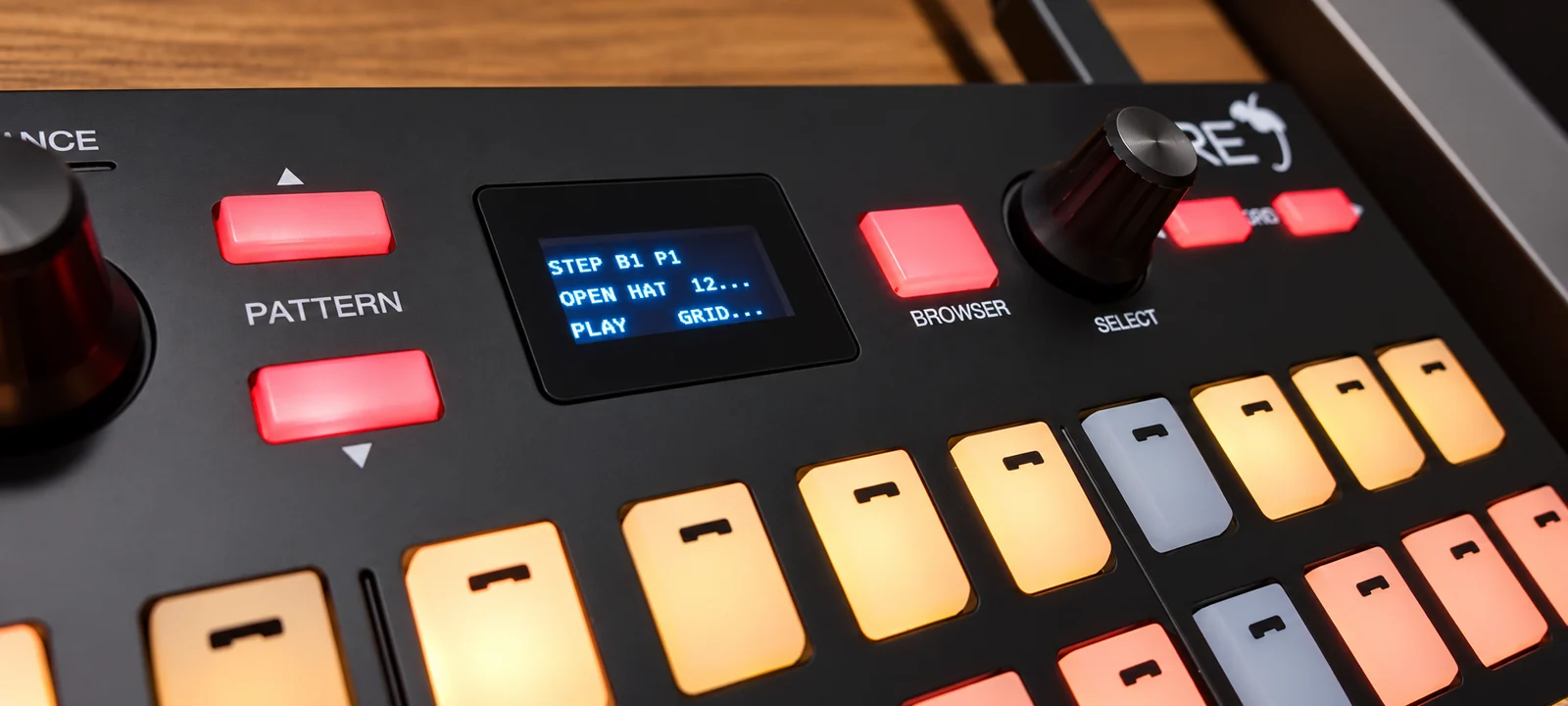
Explore 331 samples nativos ou arraste seus arquivos WAV, FLAC e MP3 para os pads.
Monte o beat no STEP, toque melodias no NOTE ou abra o DRUM Jam para combinar samples e loops.
Guarde suas frases em bancos, organize os pads no PERFORM e registre o resultado em WAV.
03 / FIND YOUR MODE
Troque de abordagem sem perder o que já está tocando.
STEP / SEQUENCER
Coloque cada som no lugar certo. Edite pitch, duração e FX por nota, e expanda o sequenciador quando a ideia crescer.
Captura do aplicativo. Disponível em português, inglês, espanhol e japonês.
04 / TOUCH THE SOUND
Isso aqui toca. Dê play, mude os passos e encontre o seu beat.
Demo no navegador com samples da biblioteca nativa. O aplicativo completo funciona no Windows. No celular, deslize o grid para ver todos os passos.
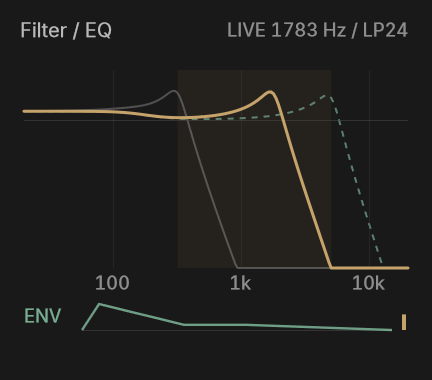 FILTER ENV + ADSR
05 / MAKE IT PERSONAL
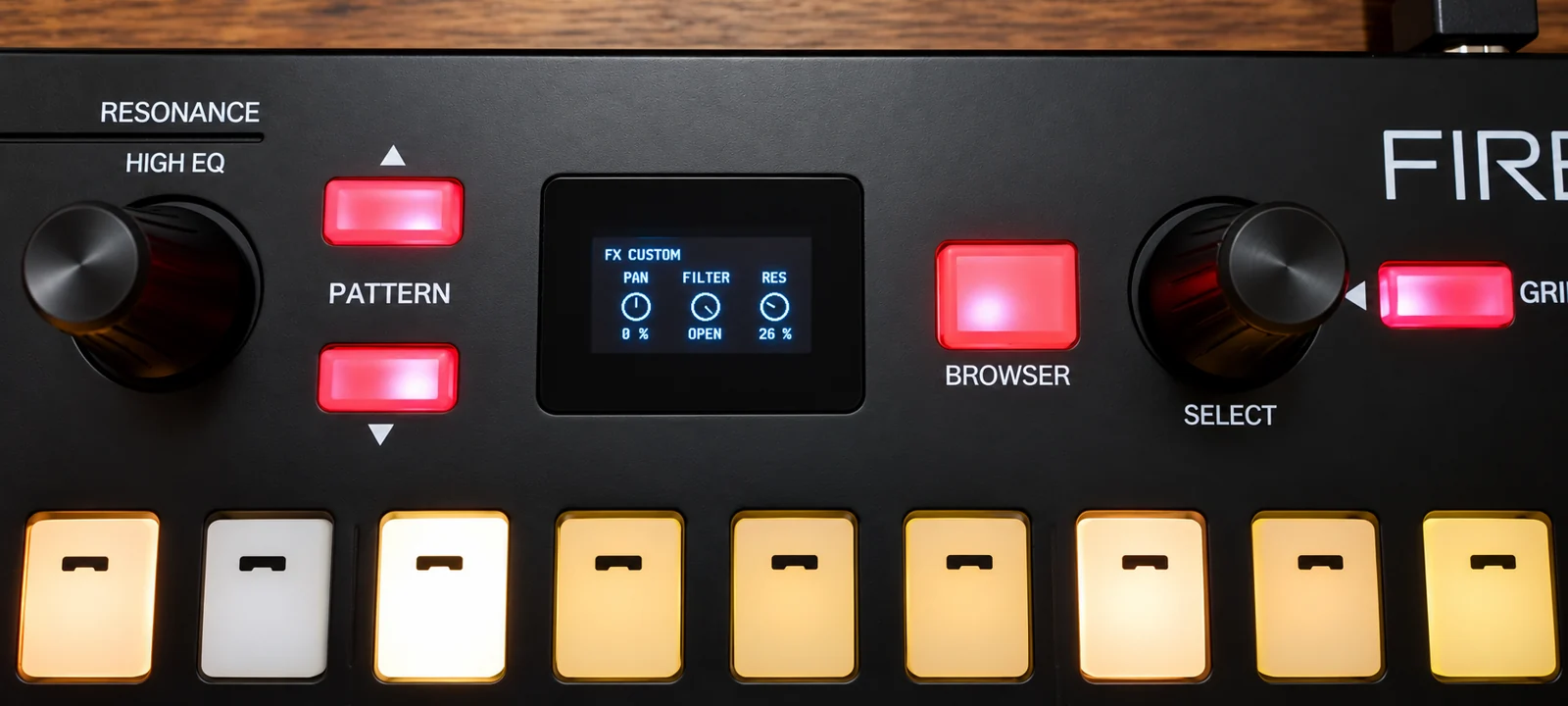
Abra o filtro, alongue o envelope, acrescente vozes. Os knobs deixam a ideia em movimento, com feedback visual no software e no Fire.
06 / OWN YOUR SOUND
O mesmo FireComposer nos dois planos. Você escolhe o período.
Um mês de cada vez.
US$19/mês
Cobrança mensal de US$ 19.
Assinaturas disponíveis em breve.
Mais música ao longo do ano.
US$199/ano
Pagamento anual de US$ 199. Equivale a US$ 16,58/mês.
Assinaturas disponíveis em breve.
stripePagamentos via Stripe em breve. Nenhuma cobrança é realizada neste site no momento.
SEU INSTRUMENTO NO COMPUTADOR.
Windows 64-bit · v0.3.0 · 331 samples nativos
O instalador ainda não está disponível para download.
07 / GOOD TO KNOW
Respostas diretas para começar com o instrumento certo.
O FireComposer roda no computador com Windows. O Akai Fire controla o aplicativo por USB MIDI, com feedback nos pads e na tela do controlador. O hardware não processa o áudio sozinho.
Sim. Importe WAV, FLAC ou MP3 e carregue os sons em pads compatíveis. A biblioteca nativa tem 331 samples nas pastas 808, 909, BASS, CHORD, FX, KEY e VOCAL, com seus nomes originais.
Você também pode usar a interface do software com mouse e teclado. A integração com o Akai Fire acrescenta controle físico e feedback. Outros controladores podem ser configurados pelo MIDI Learn.
Esta versão é um aplicativo independente para Windows 64-bit. Ela não é um plugin VST. Você pode gravar a saída em WAV para usar o resultado no seu projeto musical.
Ainda não. Os planos estão definidos em US$ 19 por mês e US$ 199 por ano. A compra e o download serão liberados quando estiverem disponíveis; este site ainda não recebe pagamentos.
Português, inglês, espanhol e japonês. Você escolhe o idioma na instalação e pode alterá-lo nas configurações do aplicativo.
FIRECOMPOSER
O próximo beat ainda não existe.